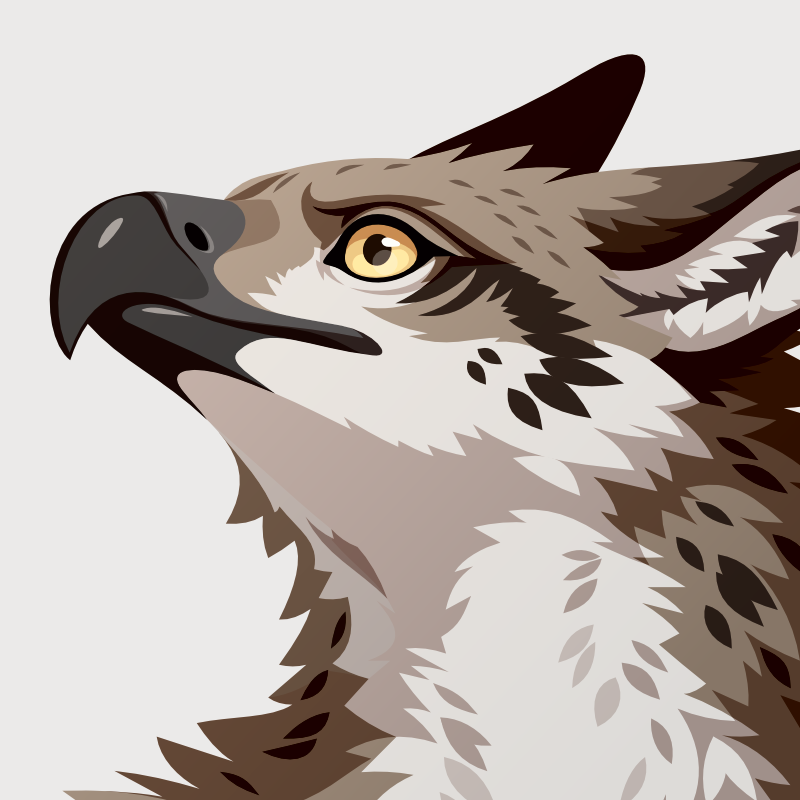
I'm a software developer in the physical realm, and a fluffy wyvern who draws vector art in the online realm. Chances are you have at least seen some of my emojis before. I attached some of my art, but if you want to see all of it, go to volpeon.ink For questions about commissions and other things, please check my FAQ: volpeon.ink/faq/
The account date may suggest otherwise, but I've been on the fediverse for about 5 years now. I just have a tendency to try new servers and lose my history in the process.
I also have a separate account for all sorts of posts I don't want to put on here, such as writing experiments or personal topics: @areon
I hate overlay controls in image viewers. I'm trying to look at an artist signature in the corner, but the stupid zoom controls are in the way and take a while to fade away.
 Volpeon